Never lose what you did (or what your agents did)
Pullback knows what you did on your Mac and hands it to your agents. No more long prompts to give them context.
macOS 14+ · Apple Silicon · Runs on your Mac, built on screenpipe
Have an invite code? Download Pullback.zip
Context is everything. Pullback is your shortcut to all of it: what you saw, what you typed, what your agents did.
-
Fig 0.1
On your Mac
screenpipe records and indexes locally. Screenshots and audio never leave it.
-
Fig 0.2
Nothing invented
Every task comes with the moment it was seen. No proof, no item.
-
Fig 0.3
You hit send
Pullback drafts. Nothing it prepares goes out without your click.
Your whole day,
in one window
One drag, or ⌥⌘P. ↩ replays any moment, any context is one click away, and your agents reach it all over MCP.
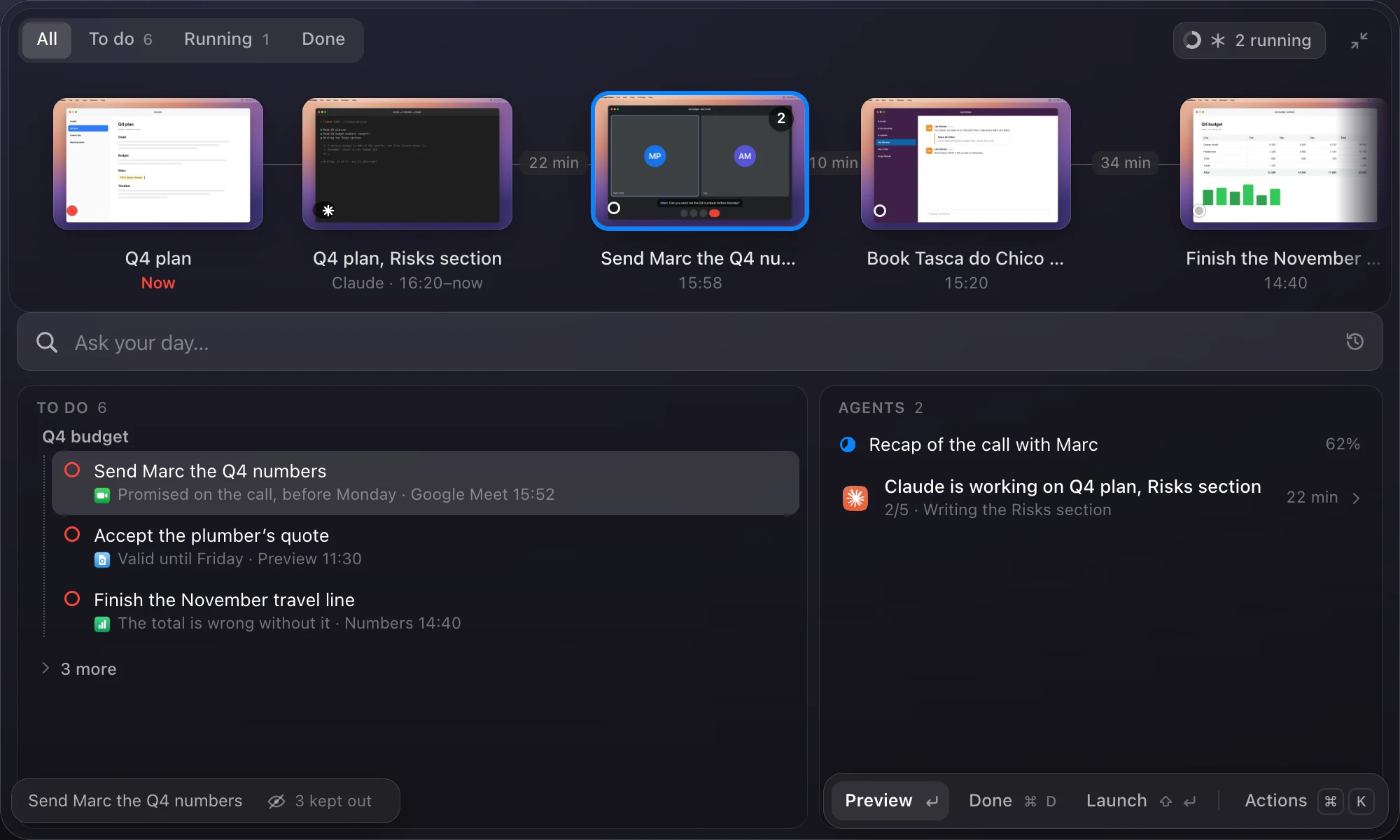
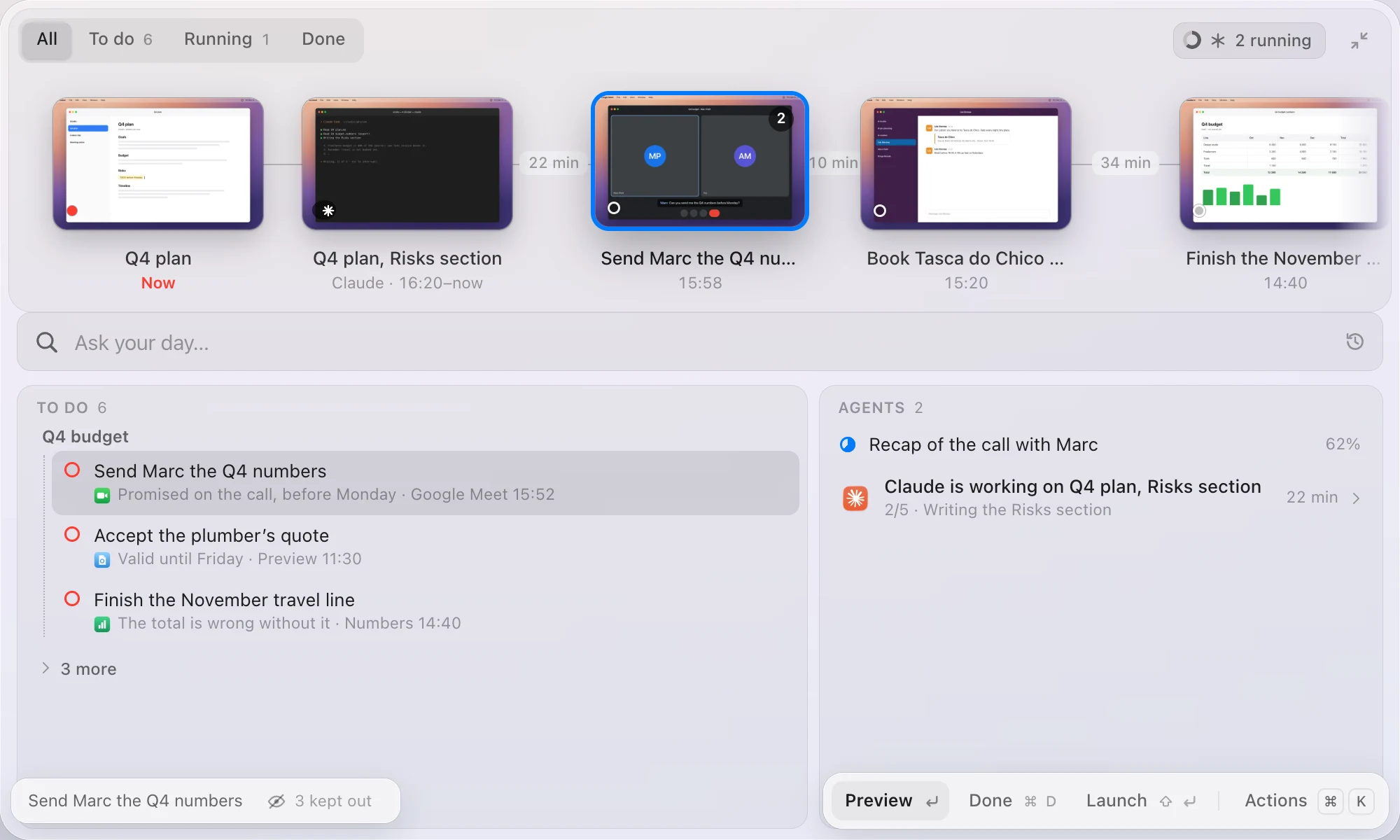
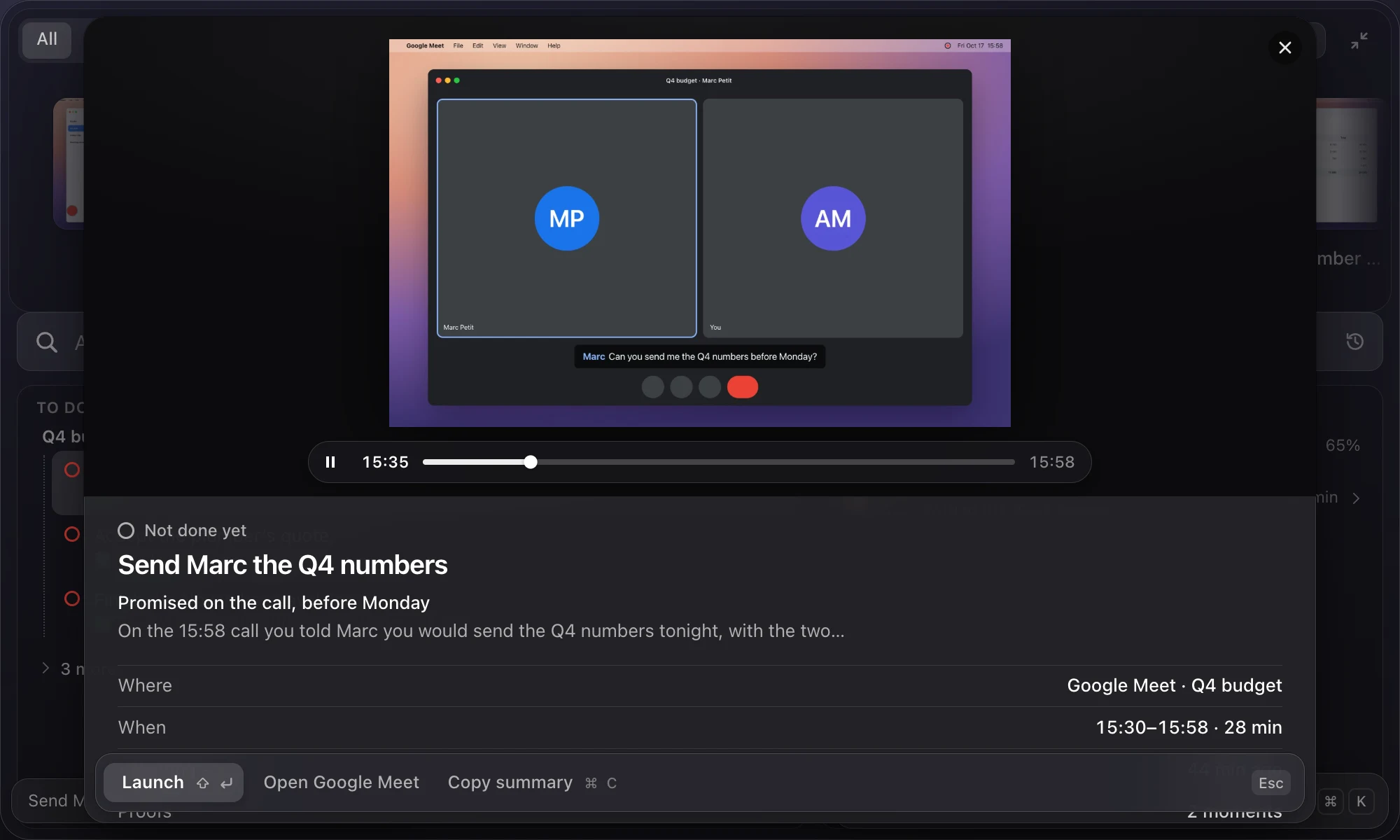
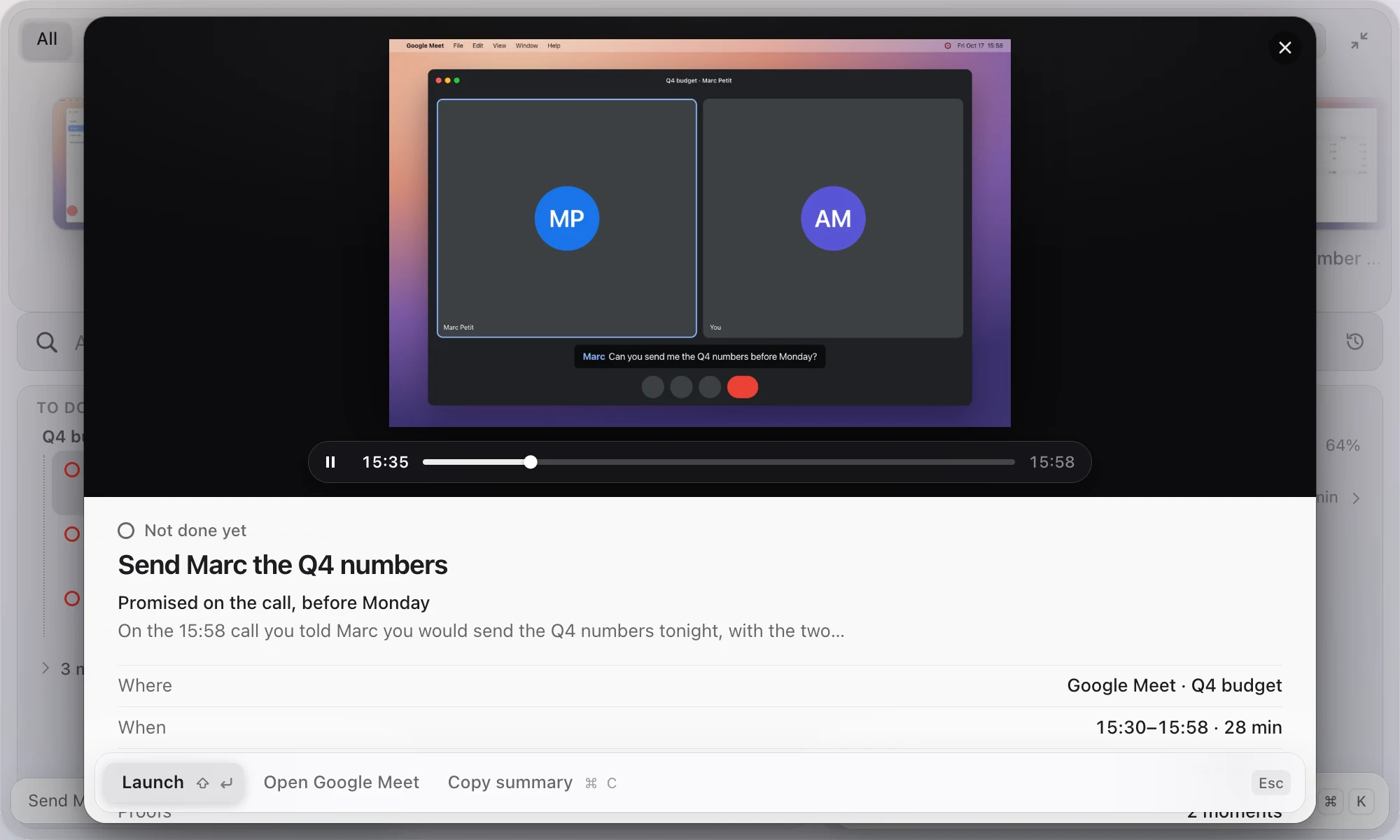
Ask your day
anything
The answer comes from all your personal context: what was on your screen, what you typed, what your agents wrote in your terminal. With the moment as proof.
No MCP?
No problem.
No IT ticket, no connector to buy. Pullback reads your screen, on your Mac: green screens, old intranets, one portal per insurer. If you can read it, your agent can too.
- ⇧⌘C copies a task’s full context
- ⌘K Open in Claude Code
- Agents can also ask Pullback over MCP
- Farm co-opsIntake, advice and contracts typed into two or three tools after every merger.
- Accounting and payrollSupplier invoices re-keyed into Cegid or Quadra, payroll journals carried over by hand.
- Public portalsChorus Pro: last month’s invoice, right there when you file the next one.
Work in progress
- Your phoneA mobile app, so your calls and what you do on your phone become context too.
- Your bank, read-onlyYour agents read your accounts’ data and can’t act on them. Today, Pullback never reads banking apps.
Nothing is filed or sent for you: the agent prepares, you submit. In your to-do and search, password managers and banking are never read, and personal messaging apps (WhatsApp, Messages, Signal…) keep their window name only.
Know what your agents did.
Without asking them.
Every Claude Code session, live: what it’s on, how far along, what it touched.
- Always keep track of your agents’ progress
- Get notified when one is waiting for you Coming
There’s a use case for that.
Each one starts from something you already saw on screen.
One click writes what you left today, with proof, to your vault as plain Markdown.
Spot what’s off: the step you skipped this month, found in your local index.
Promises you made, each one a to-do line with its draft ready.
Kinga is calling. Type her name: her CV, your last email, her profile.
The invoice nobody paid, in your to-do with the reminder written.
38 files on your desktop, sorted into the projects they came from.
Back to the exact moment you got pulled away: the capture, the app, the file.
Privacy first
Your screen history
stays on your Mac.
- Screenshots and audio leave your MacNever
- Secrets hidden from your to-do and questionsAlways
- Password managers and banking in your to-doNever read
- WhatsApp, Messages, Signal… in your to-do and searchWindow name only
- Agent mode, which reads more for its taskOff until you turn it on
- Send, post or delete for youOnly after your click
Pullback is built on screenpipe, which records and indexes on your Mac. From that history, Claude only ever reads text, and only the lines a task or a question needs. Your data is not for sale, and never will be.
How Pullback treats your dataYour day, one drag away?
Pullback is in private beta. Leave your email and we’ll send you a build.
Have an invite code? Download Pullback.zip (macOS 14+, Apple Silicon)